Tests
Saved checks of an endpoint: parameter values and what the answer must look like. Run them before each publish to catch a query that broke, returns nothing, or changed its columns.
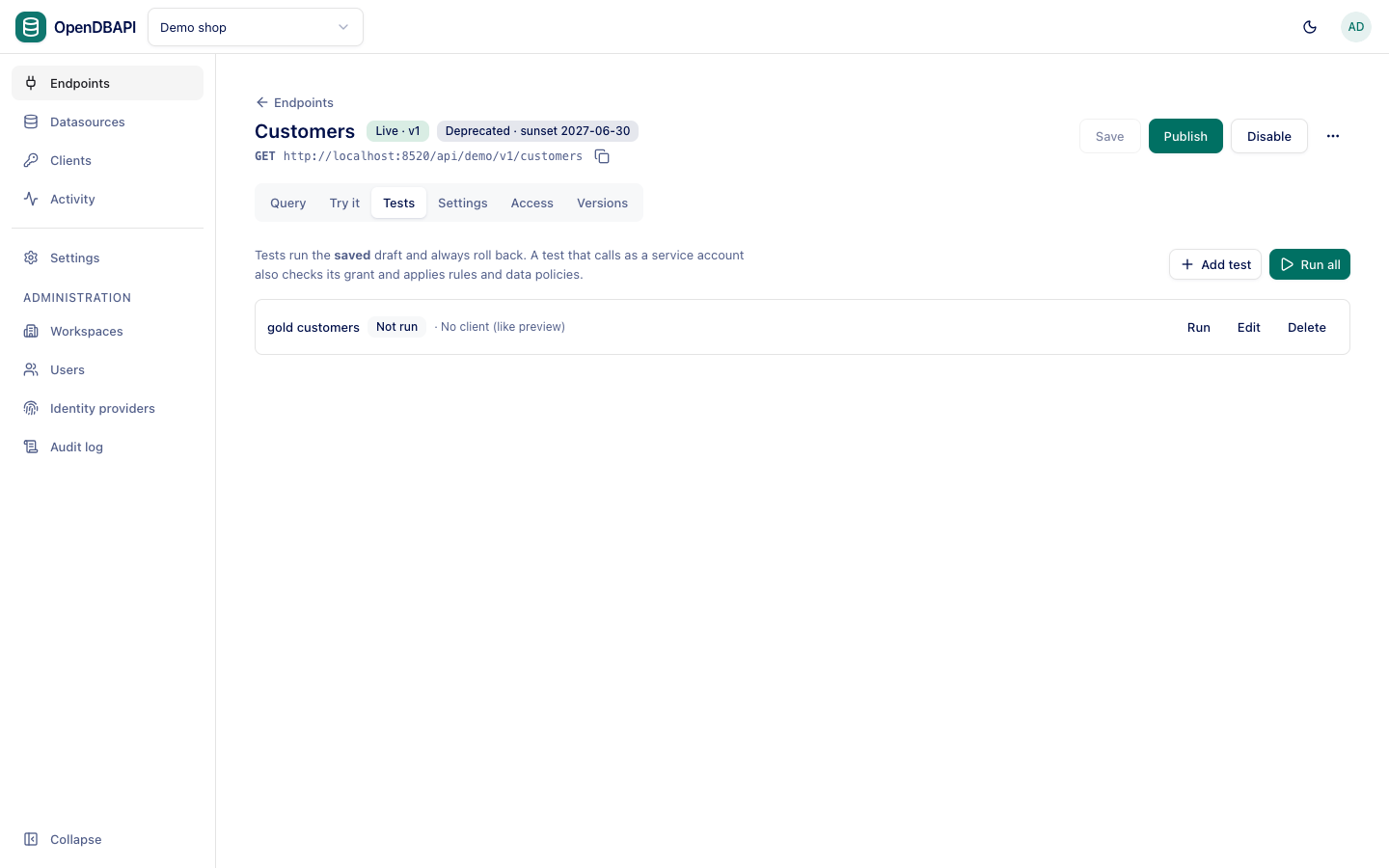
Add a test
- Open the endpoint's Tests tab and press Add test.
- Give it a Name, fill in the Parameters it runs with, and choose who to Call as: No client (like preview), or a service account, whose grants, rules and data policies then apply.
- Under Expect, fill in only what matters; leave an expectation empty to skip it:
| Expectation | Passes when |
|---|---|
| Status | The HTTP status matches (200 by default) |
| Rows at least / Rows at most | The number of rows is in range |
| JSONPath checks | A path into {data, meta} such as $.data[0].tier Must exist, Must be absent, or equals a Value only |
| Same result columns as the live version | The result column names equal those of the live version, so the change will not break callers |
| Within (ms) | The call took at most this long |
- Press Save.
Run tests
Run all runs every test of the endpoint; Run runs one. Tests run the saved draft, in a transaction that is
always rolled back, so a test of a POST endpoint changes nothing. Save first: unsaved changes are not tested.
Each test shows Passed, Failed with the reasons, or Not run, and when it last ran.
Require passing tests to publish
Set opendbapi.publish.require-tests-pass=true (environment variable OPENDBAPI_PUBLISH_REQUIRE_TESTS_PASS=true) to
refuse Publish with 409 tests_failed while any test of the endpoint fails. Configuration as
code always runs an endpoint's tests before it publishes it.
Tests in configuration files
Tests are part of an endpoint's YAML document, with the service account by name:
tests:
  - name: gold customers
    serviceAccount: reporting
    params: {tier: gold}
    expect: {status: 200, rowCount: {min: 1}}