Members and roles
People who write endpoints join a workspace as members, each with one role. Programs that call endpoints are service accounts and are not members.
Roles
Roles go from weakest to strongest; each includes everything of the ones before it.
| Role | Can |
|---|---|
| Viewer | See everything in the workspace, read only |
| Author | Write, preview and publish SQL endpoints and workflows; run tests |
| Script author | Author, plus Groovy script endpoints and script nodes |
| Admin | Members, datasources, clients, secrets, alerts and security |
| Owner | Everything, including other owners and the workspace's name |
A workspace always keeps at least one owner. Only an owner can change another owner.
System admins (set under Administration → Users → Make system admin) create and archive workspaces, manage users and identity providers, and see the server-wide audit log. Being a system admin does not make you a member of every workspace.
Add a member
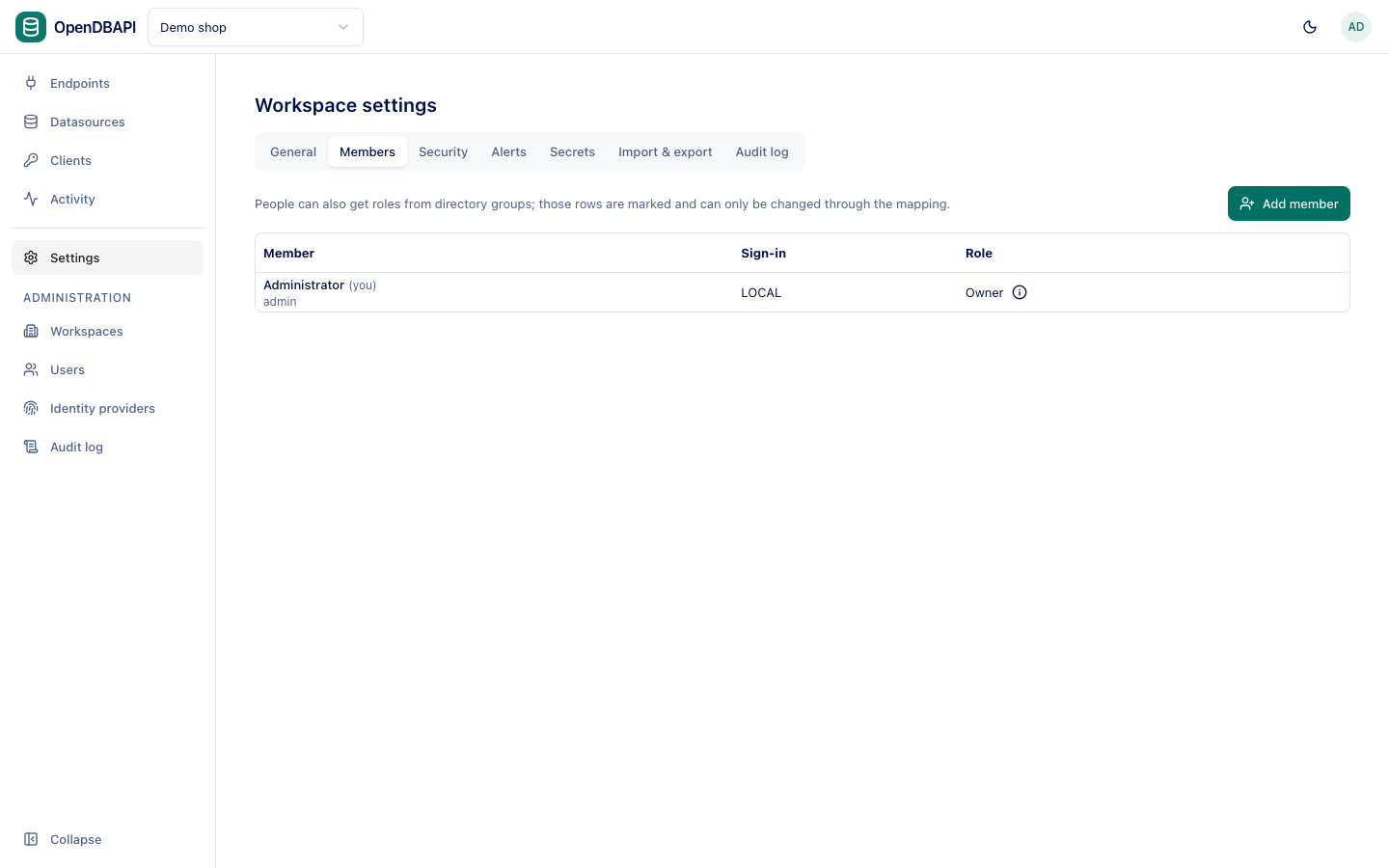
- Open Settings → Members and press Add member.
- Search by Name, username or email and pick the user. LDAP and SSO users appear after their first sign-in.
- Choose a Role and press Add member.
Use Change next to a member to change their role, and Remove to take their access away at once.
Roles from directory groups
When an identity provider maps directory groups to workspace roles, members get their role at sign-in. Such members show From group, and their role can only change through the group or the mapping.