Clients and grants
Programs call private endpoints with an OAuth2 token. A service account is the program's identity, a client holds the id and secret it exchanges for tokens, and a grant lets the service account call an endpoint or a group.
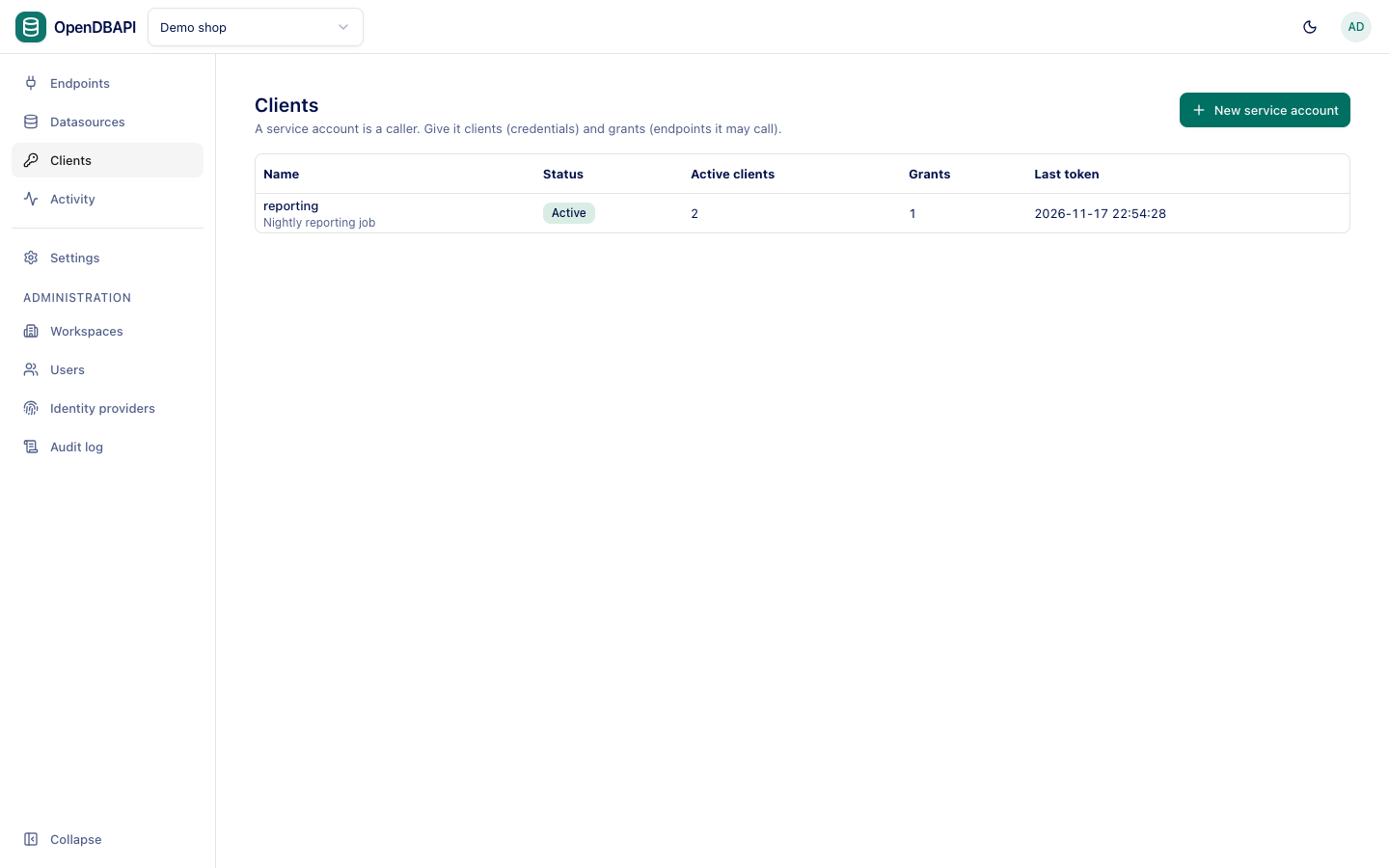
Workspace admins manage service accounts; authors can see them.
Create a service account
- Open Clients and press New service account.
- Name it after the system that will call the API (
reporting,partner-acme), add a Description (optional), and press Create.
Create one service account per system, so you can revoke one without touching the others and see each one's calls in Activity.
Grant access
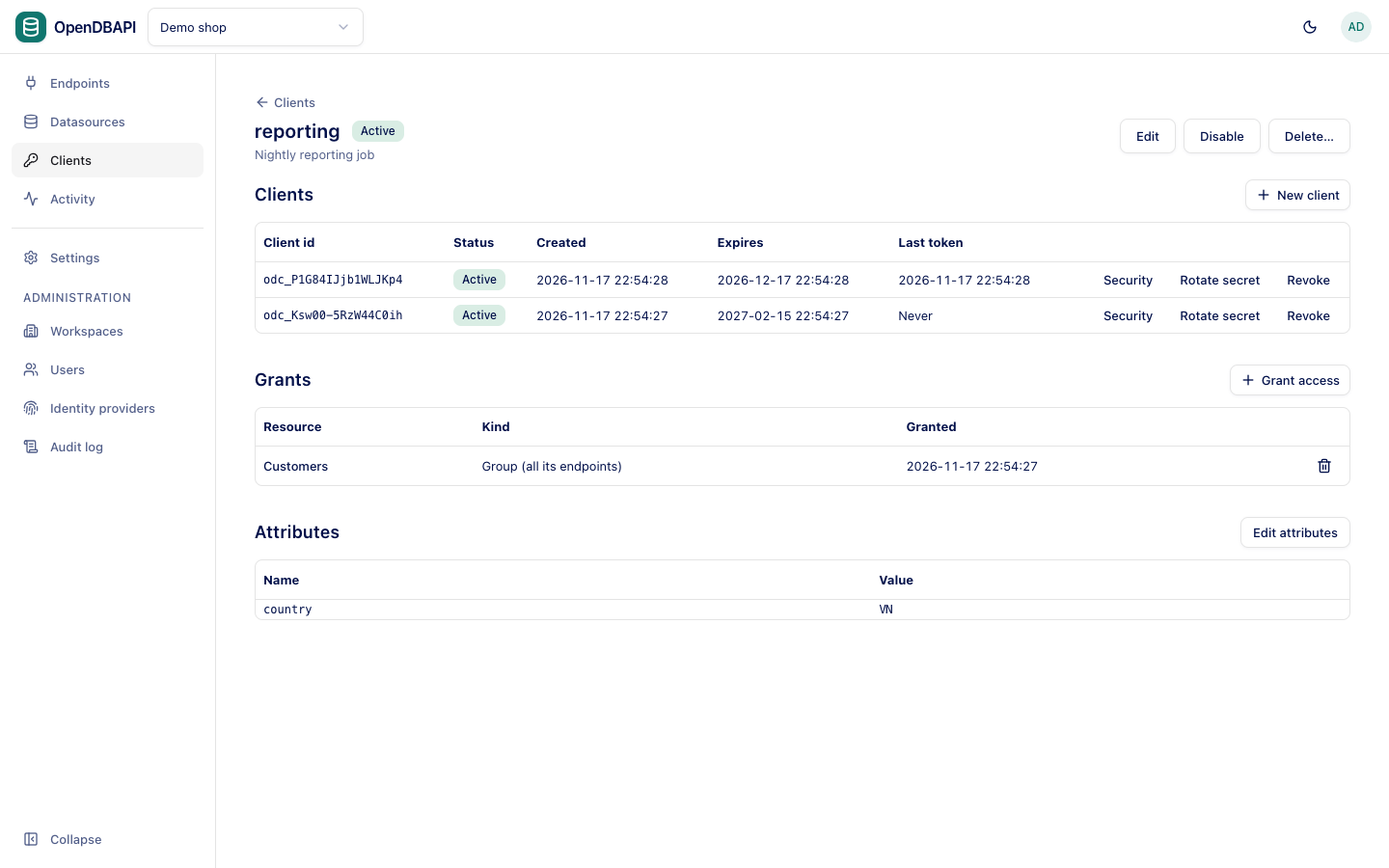
On the service account's page, under Grants, press Grant access, choose a Kind and a Resource, and press Grant:
- Endpoint: one endpoint.
- Group (all its endpoints): every endpoint in the group, including ones added later. Moving an endpoint out of the group, or deleting the group, takes the access away; see Groups.
Without a grant, calls get 403 not_granted. An endpoint's Access tab shows every service account that may call it,
directly or Through its group, and can grant from there too.
Create a client
- Under Clients, press New client.
- Optionally set Expires after (days, optional).
- Press Create client and copy the Client id (
odc_…) and the Client secret. The secret is shown once and stored only as a hash; press I have stored the secret when you have it.
| Action | What it does |
|---|---|
| Rotate secret | Issues a new secret; the current one stops working at once. Update the systems that use it |
| Revoke | The client stops working at once; its tokens lose access within seconds. Cannot be undone |
| Security | Require signed requests or encrypt responses; see Request signing and encryption |
The table shows when each client last obtained a token.
Attributes
Attributes are facts about the caller that row filters read, such as country = VN
or regions = north,south. Use the type the filtered column has: a number for a numeric column. Separate list values
with commas.
Disable or delete
- Disable stops every client of the service account within seconds; Enable brings them back.
- Delete… removes the service account, its clients and grants. Cannot be undone.
Further reading
- Calling endpoints: get a token and call an endpoint.
- Data policies: masks and row filters per caller.