Alerts
Alerts post a message to Slack, Microsoft Teams, Google Chat or any webhook when a published endpoint fails with a server error.
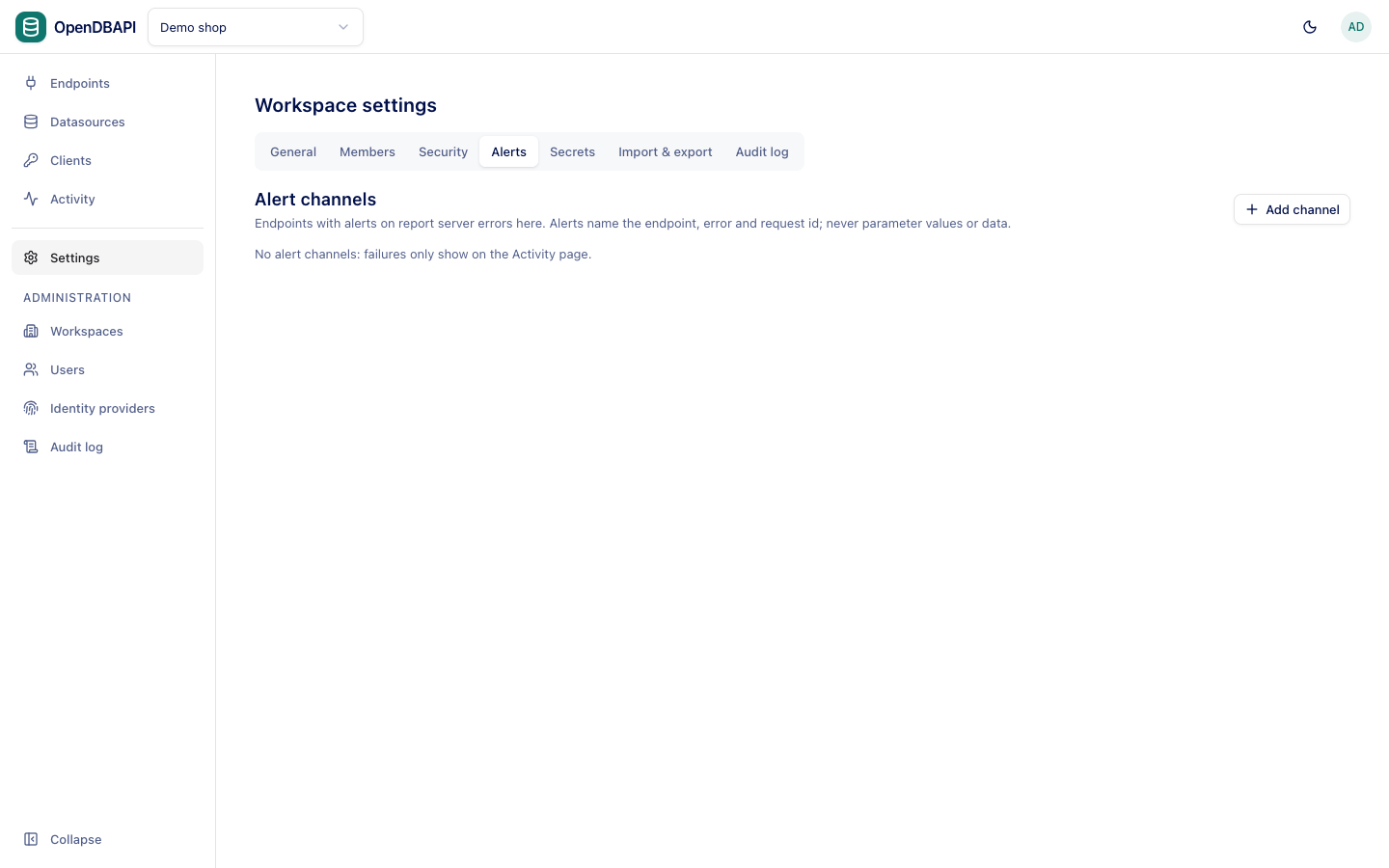
Add an alert channel
- Open Settings → Alerts and press Add channel.
- Enter a Name, choose the Kind (Slack, Microsoft Teams, Google Chat, or Webhook (JSON event) for your own receiver), and paste the Webhook URL. Or type
secret:NAMEto read the URL from a managed secret. - Press Save, then Test to send a test message.
The table shows when each channel last delivered. Send alerts turns a channel off without removing it.
Choose which endpoints alert
Alerts are off per endpoint until you turn on Alert on failures in its Settings tab and publish. Then server
errors (5xx) go to every channel, at most once per endpoint and error code every five minutes
(opendbapi.alerts.dedup-window). Client errors (4xx) never alert.
A message names the workspace, the endpoint, the status, the error code and the request id, which you can paste into Activity. Repeats suppressed within the window are counted in the next message.
Rules for webhook URLs
Webhook URLs must use HTTPS; set opendbapi.alerts.allow-http=true to allow HTTP, for tests only. Redirects are never
followed, and a delivery that does not connect within 5 seconds counts as failed.