Datasets & metrics
A dataset is a table or a SQL query registered in a workspace. Charts and dashboards are built on datasets.
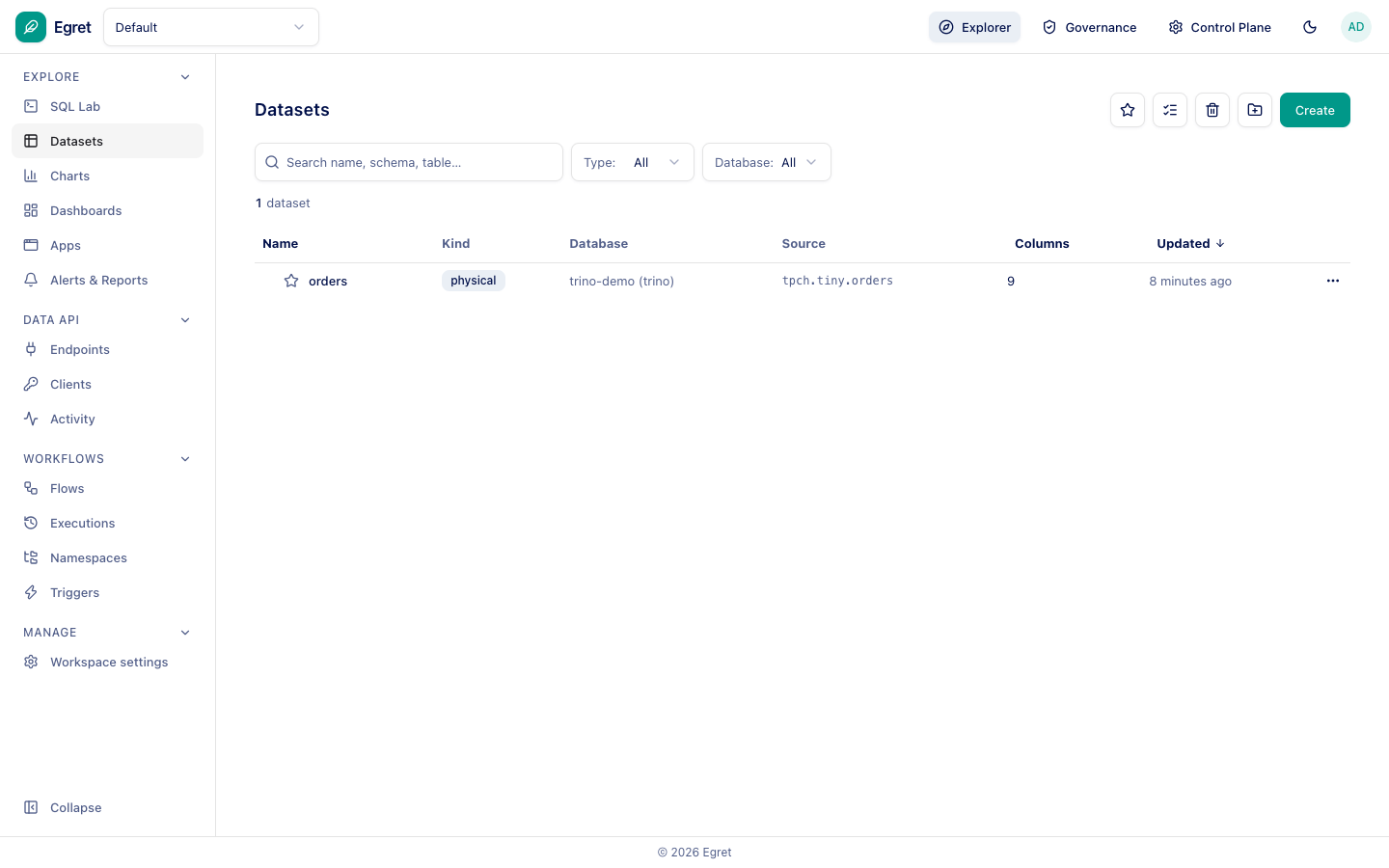
The list shows each dataset's Kind (physical or virtual), its Database, its Source (for example tpch.tiny.orders), column count and last update. Filter by type or database, or search by name, schema or table.
Create a dataset
Press Create. A physical dataset points at a table in one of your databases; a virtual dataset is defined by SQL. You can also start from SQL Lab with Save as dataset.
Dataset detail
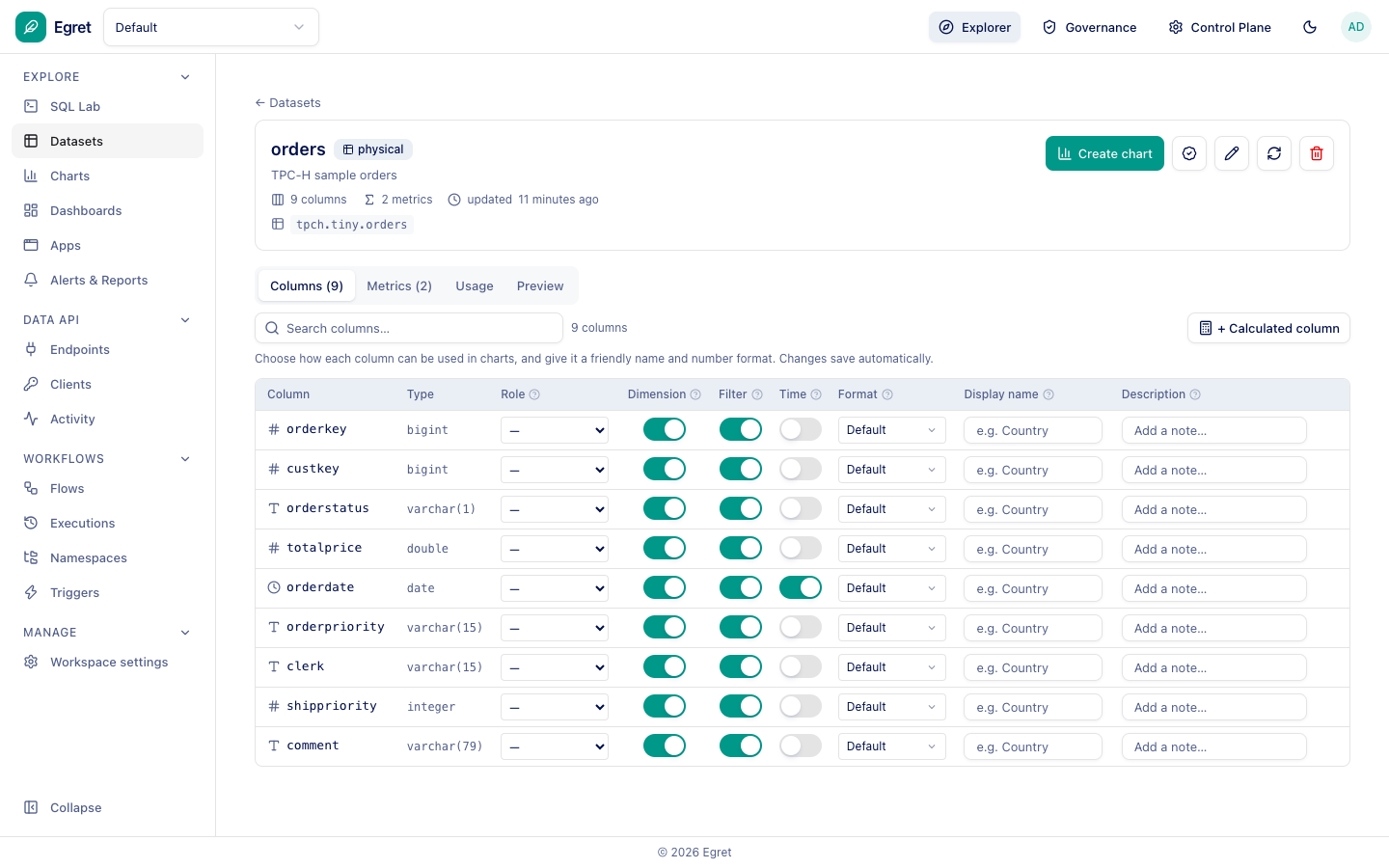
Open a dataset to see four tabs:
- Columns: for every column you set its Role, whether it can be used as a Dimension or Filter, whether it is a Time column, a number Format, a Display name and a Description. Changes save automatically. + Calculated column adds a derived column.
- Metrics: named aggregations reused by every chart, for example
revenue = sum(totalprice)andorder_count = count(*). - Usage and Preview show how the dataset is used and a sample of its rows.
The header offers Create chart, certification, edit, refresh (re-reads the source schema) and delete.