Run actions: resume, replay and kill
Three actions work on an execution from its page: Resume releases a paused run, Replay runs a finished execution again, and Kill stops one that has not ended. Each needs the workflow:manage permission; workflow:read is not enough. A button that does not apply is hidden, or disabled with the reason printed next to it.
| Action | Shown when | Result |
|---|---|---|
| Resume | The execution is Paused | The paused Pause tasks end successfully and the execution goes on. |
| Replay | Always; enabled once the execution has finished | A new execution from the original's frozen YAML and inputs. |
| Kill | The execution has not ended | The execution ends KILLED. |
Resume a paused execution
- Open the paused execution. A
Pausetask is waiting. - Press Resume.
- Confirm in the dialog Resume this execution?, which says every paused task ends now as a success, whatever its duration or timeout, and the execution continues.
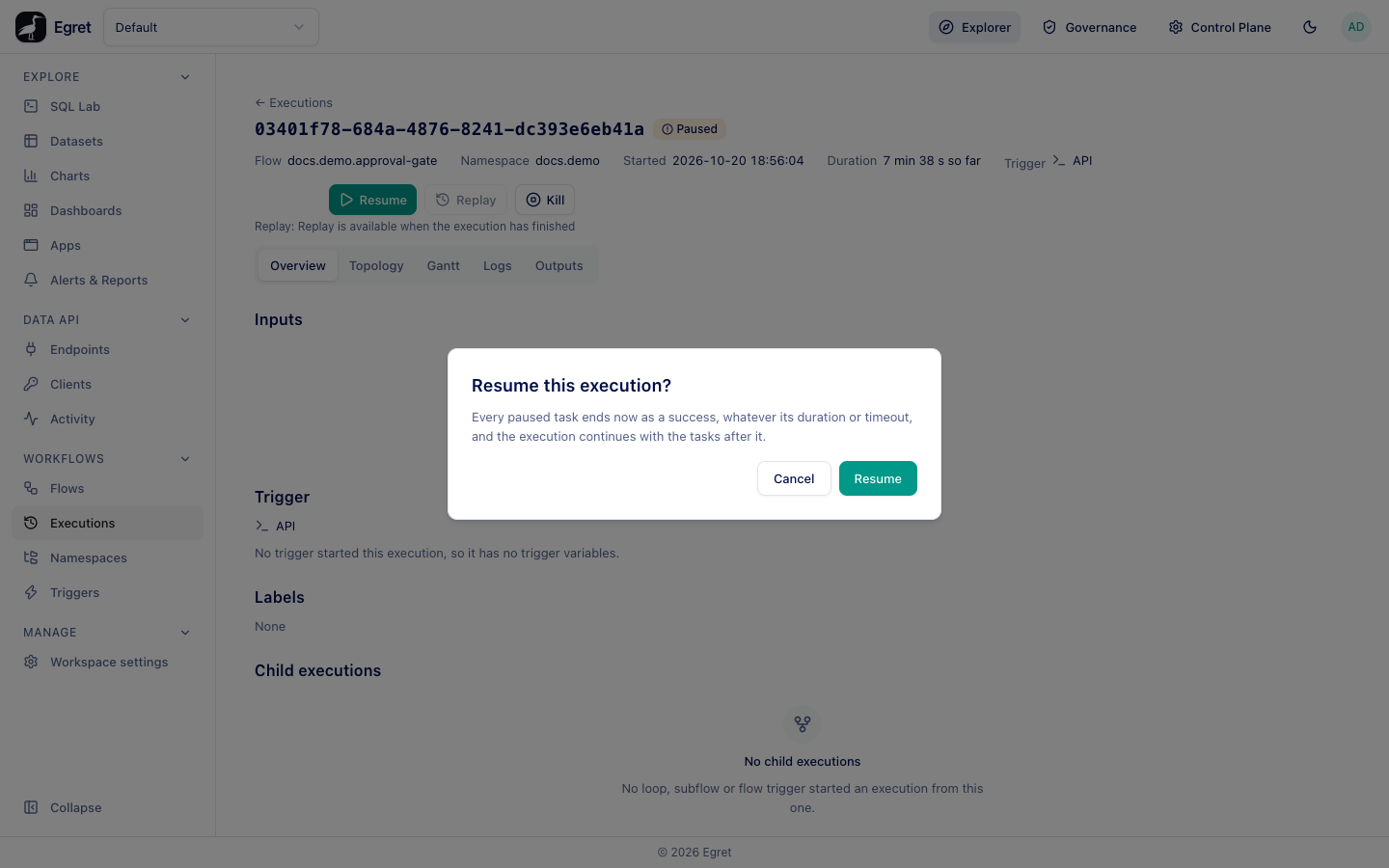
The Pause task ends SUCCESS, the execution moves through RESTARTED and RUNNING, and the tasks after the pause run.
id: approval-gate
namespace: docs.demo
tasks:
  - id: before
    type: io.kestra.plugin.core.log.Log
    message: Waiting for approval
  - id: gate
    type: io.kestra.plugin.core.flow.Pause
  - id: after
    type: io.kestra.plugin.core.log.Log
    message: Approved
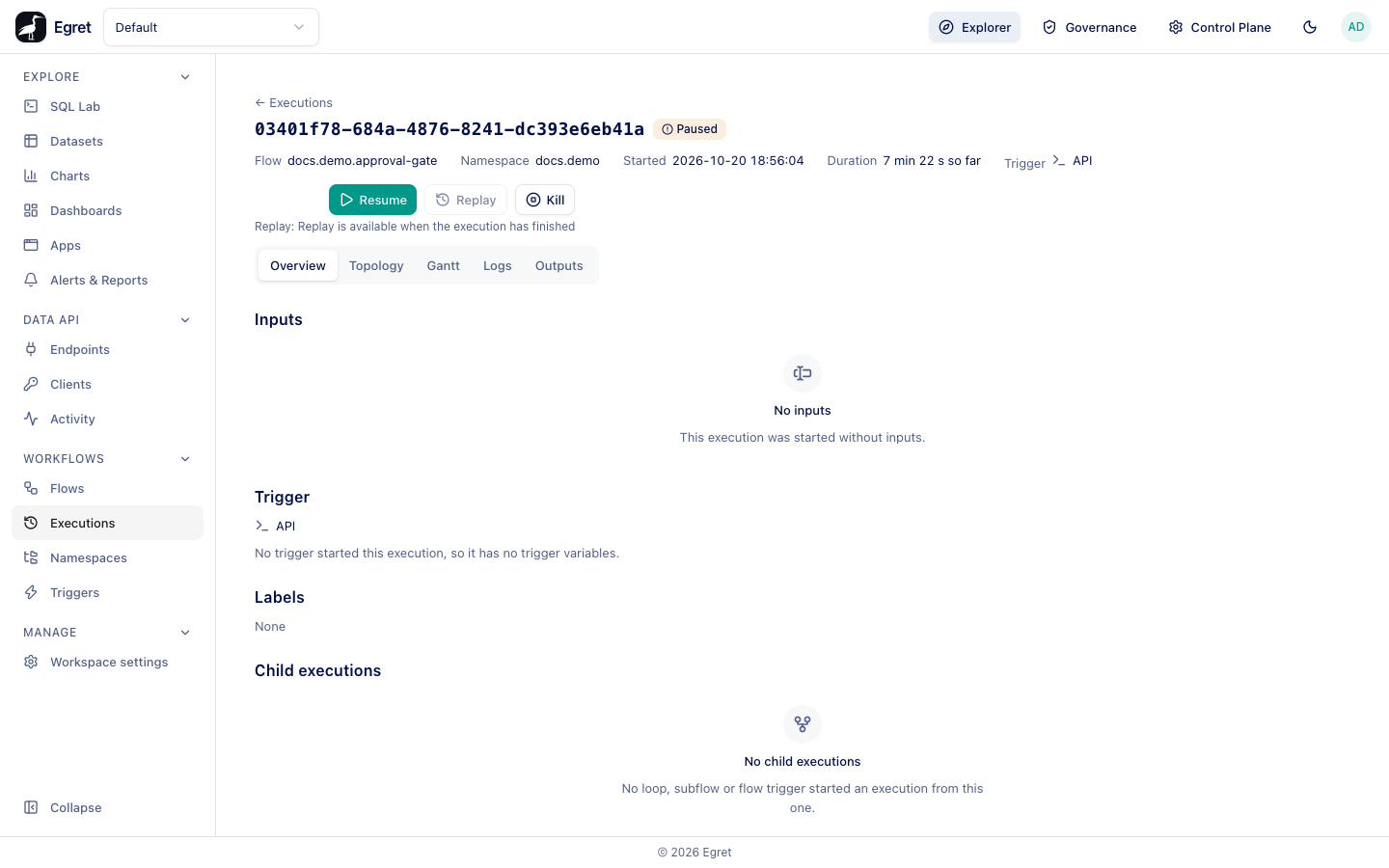
Resuming releases every paused Pause task of the execution at once, whatever its pauseDuration. If the execution is paused only because a LoopUntil is waiting for its next check, Resume is disabled and says Waiting on a loop condition, not a Pause task. A resume that arrives just as the pause's own timer ends is refused with a conflict and the page asks you to refresh. A resume feedback toast says Resumed the execution, or warns if the execution then ended in a failure.
The API route is POST /api/ws/{workspace}/workflows/executions/{id}/resume. It does not take inputs.
Replay an execution
Use replay to run a failed execution again, or to repeat a successful one with the same inputs.
- Open a finished execution (any state that has ended).
- Press Replay.
- Read the dialog and press Replay.
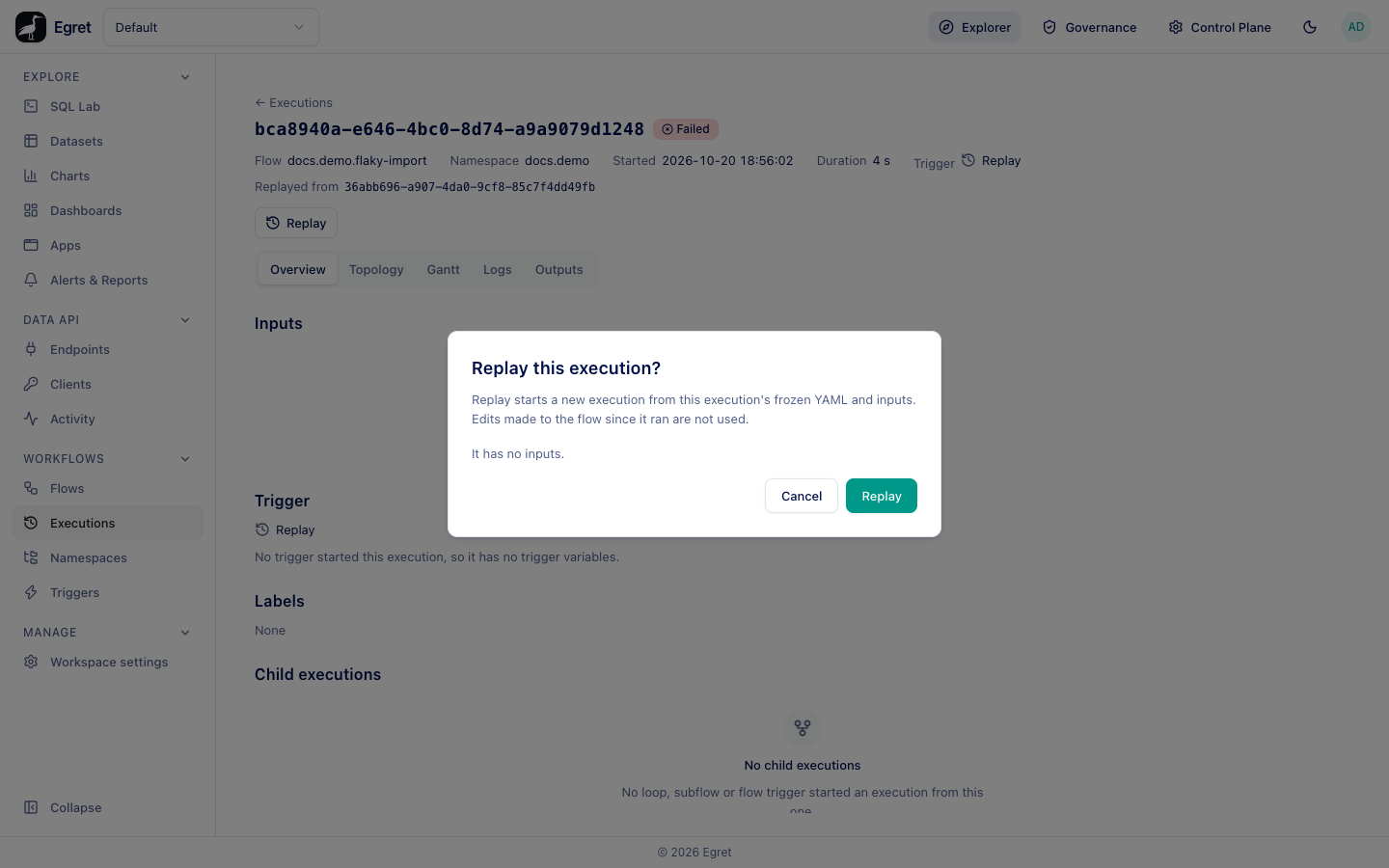
The dialog says Replay starts a new execution from this execution's frozen YAML and inputs. Edits made to the flow since it ran are not used. It lists the names of the inputs the replay will use (Inputs: customer, orders.), or says It has no inputs. The page then opens the new execution, which shows Replayed from the original and Replay in the Trigger column of the list.
Things to know:
- It starts from the beginning. Replay does not resume from the failed task. All tasks run again.
- It uses the old text. If you fixed the flow and want the fix, press Run on the flow's page instead.
- It is not available while the execution is running (Replay is available when the execution has finished), for a loop iteration (replay the loop's own execution), or when the flow is disabled. A flow in the trash cannot be replayed either.
Kill an execution
- Open the execution and press Kill.
- In the dialog Kill this execution?, choose whether to Also kill subflow executions. It is on by default: the loop iterations and subflow executions of this execution, and theirs, are killed too. If you clear it, they keep running.
- Press Kill.
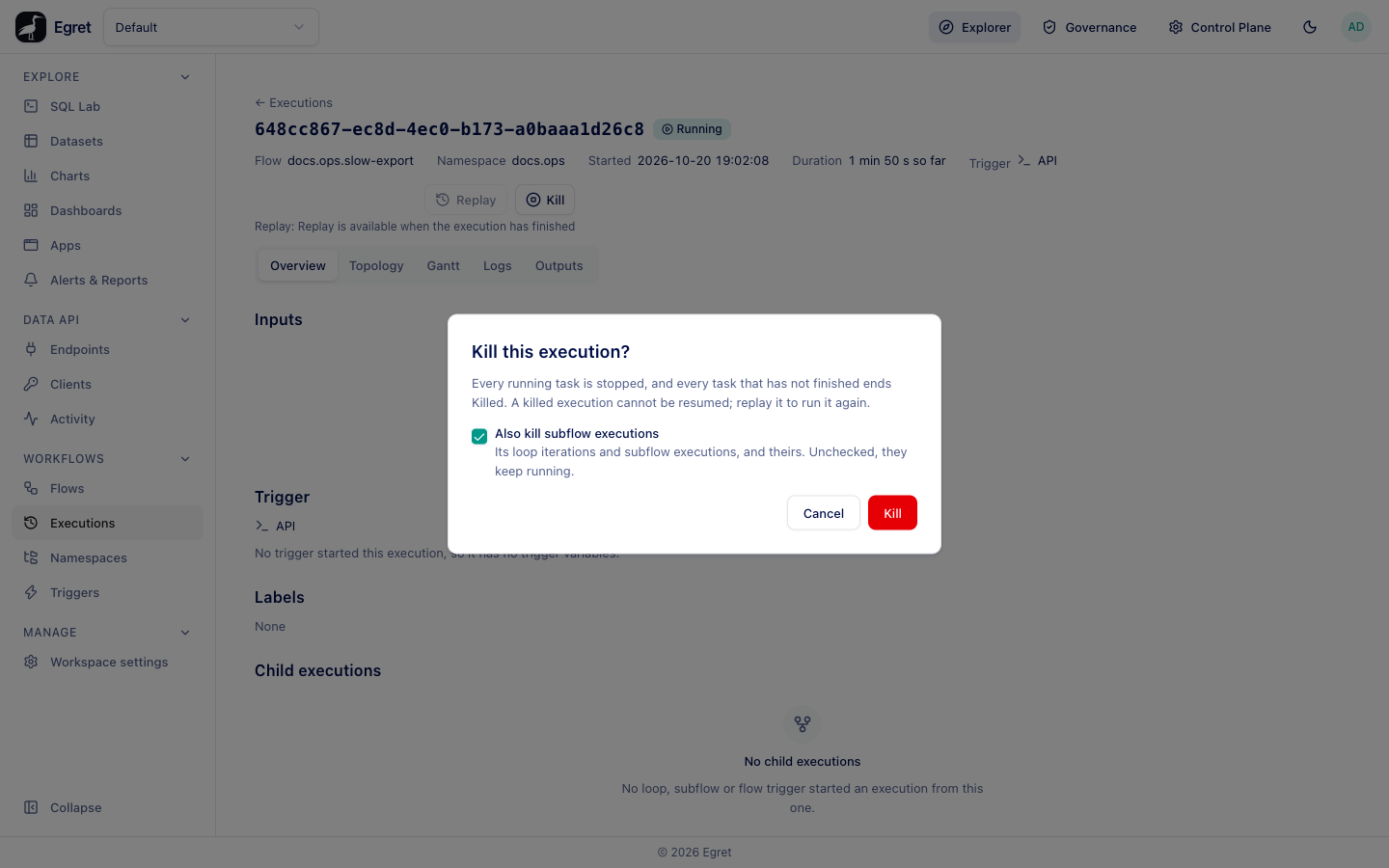
What happens next depends on where the execution is:
| Where the execution is | Result |
|---|---|
| Paused, retrying, or not yet started | KILLED at once. Tasks that had not finished end KILLED. |
| A task is running | The execution becomes KILLING and a worker stops the running task, usually within the worker's kill check of 5 seconds (workflow.kill_poll_ms), then it ends KILLED. On the demo stack a Sleep of two minutes (docs.ops/slow-export) ended KILLED about 4 seconds after Kill. |
A killed execution cannot be resumed; replay it to run it again. Killing an execution that has already ended answers The execution has already ended and changes nothing.
Limits and known issues
- No bulk actions: each execution is acted on from its own page.
- Not available: Restart from the failed task, replay from a chosen task, change a task's state, delete an execution, and force-run.
- Replay always uses the execution's original inputs; they cannot be edited.