Quick start
Run OpenDBAPI and a small sample shop database on your machine with Docker Compose, then sign in.
You need Docker with the Compose plugin and a clone of the repository:
git clone https://github.com/egret-data/opendbapi.git
cd opendbapi
Start OpenDBAPI
docker compose -f deploy/quickstart/docker-compose.yml up -d
This starts two containers:
postgres: PostgreSQL 16, which holds OpenDBAPI's own data (users, workspaces, endpoints, activity).opendbapi: theghcr.io/egret-data/opendbapi:0.3.1image, which serves the management UI and the published endpoints on port 8520.
OpenDBAPI creates its schema on first start. Wait until it reports ready:
curl -s http://localhost:8520/actuator/health/readiness
{"status":"UP"}
Load the sample data
The quick start ships a small shop (6 customers, 120 orders) and a read-only database login, shop_reader, for
OpenDBAPI to query it with:
docker compose -f deploy/quickstart/docker-compose.yml exec -T postgres \
  psql -U postgres -d opendbapi < deploy/quickstart/sample-data.sql
Sign in
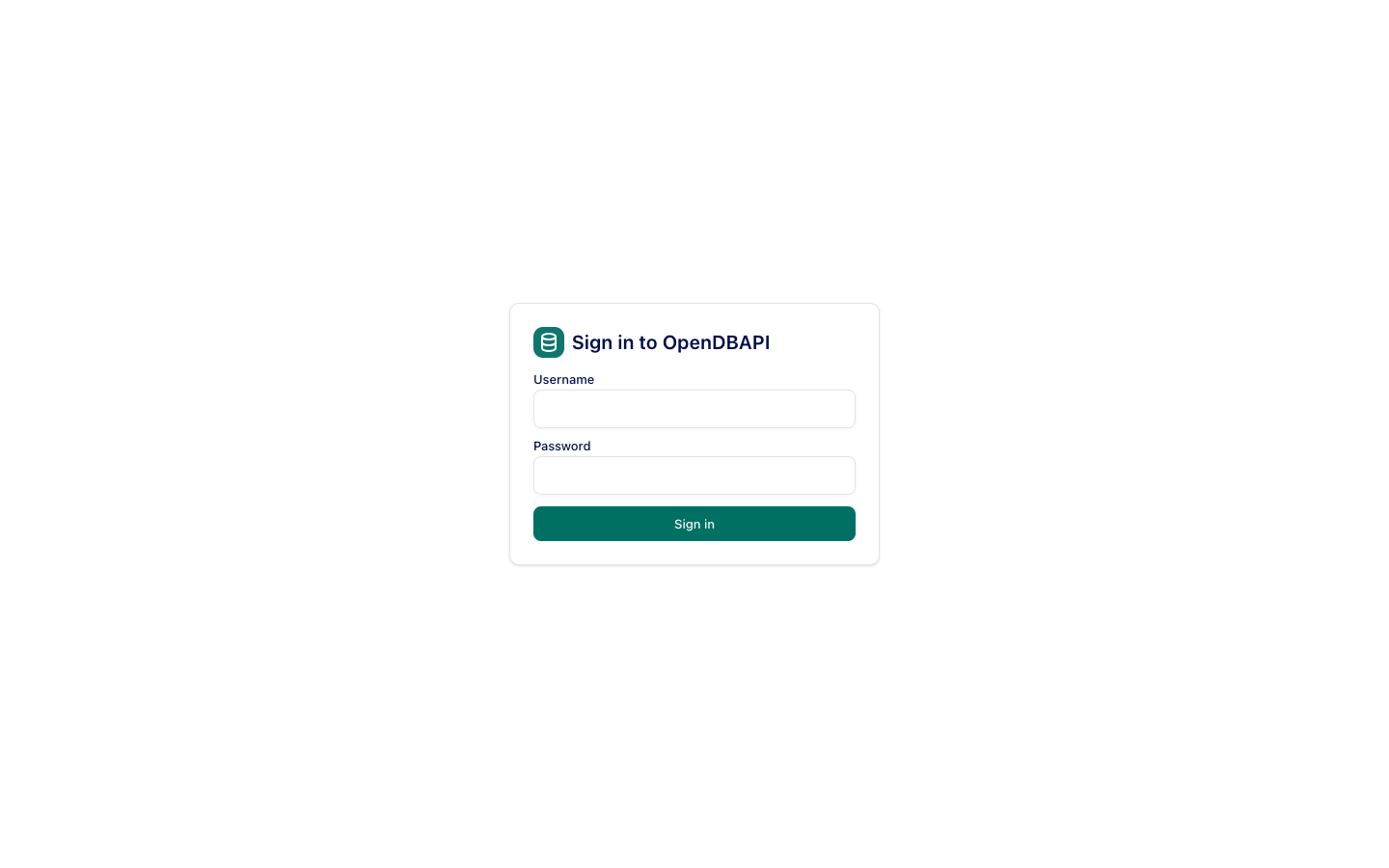
Open http://localhost:8520 and sign in as admin with the password admin-change-me.
The quick start uses fixed, published passwords and a published master key. Use it only to try OpenDBAPI. For anything else, follow Deploy with Docker.
Next
-
Publish your first endpoint on the sample shop.
-
Or seed a complete demo workspace (endpoints, a workflow, a service account, a masking policy) with the script the docs' screenshots are taken from:
cd docs && npm ci && node scripts/seed-demo.mjs
Stop and clean up
docker compose -f deploy/quickstart/docker-compose.yml down      # keep the data
docker compose -f deploy/quickstart/docker-compose.yml down -v   # remove it too