Command line and CI
The opendbapi command line exports, plans and applies from a terminal or a CI pipeline. It ships in the OpenDBAPI
image: docker run ghcr.io/egret-data/opendbapi:0.3.1 <command> runs it instead of the server.
Create an API token
The command line signs in with a personal API token.
- Open the user menu (your initials, top right) and choose API tokens.
- Press New token, enter a Name, choose a Workspace (or All my workspaces) and when it Expires (30, 90 or 365 days).
- Press Create token and copy the token (
odb_…). It is shown only this once: store it in your CI's secrets.
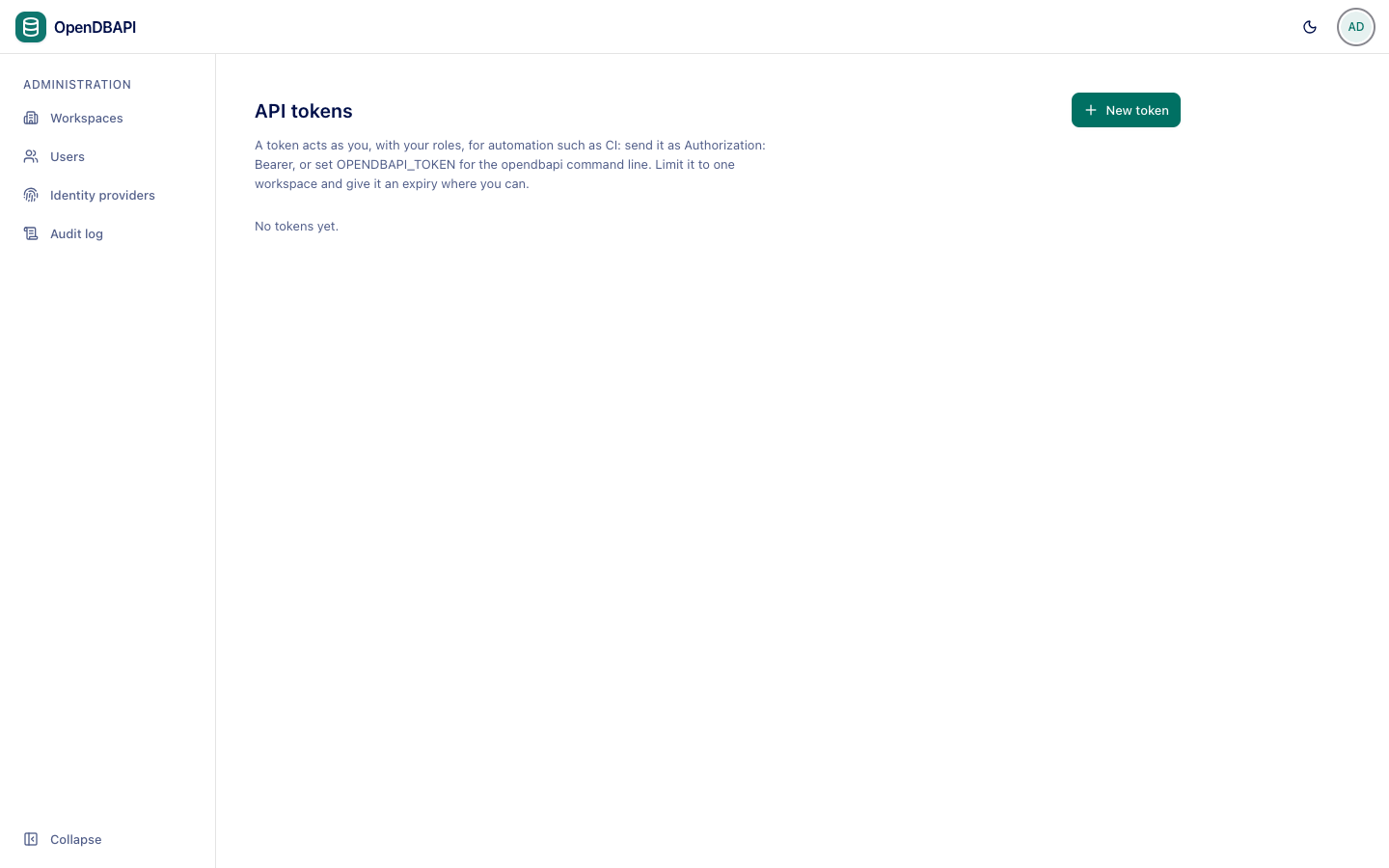
A token can do what you can, limited to the workspace you chose; apply needs the Admin role. Revoke stops it at
once. Without a token the command line can sign in as a local user with OPENDBAPI_USER and OPENDBAPI_PASSWORD.
Commands
opendbapi export   Write the workspace as YAML (to --out, or standard output)
opendbapi plan     Show what apply would change
opendbapi apply    Make the workspace match the files
| Option | Meaning |
|---|---|
--url URL | OpenDBAPI base URL (or OPENDBAPI_URL) |
--workspace SLUG | Workspace (or OPENDBAPI_WORKSPACE) |
--file PATH | A YAML file; repeatable |
--dir PATH | Every *.yaml / *.yml in a directory |
--out PATH | export: write here instead of standard output |
--env NAME | Environment mapping datasource names |
--prune | Delete what the files do not list |
--publish | Publish endpoints marked live (after their tests), disable those marked disabled |
--expected-digest D | apply: refuse unless the plan still has this digest |
--detailed-exitcode | plan: exit 2 when there are changes |
Exit codes: 0 success; 1 an error, or endpoints that failed to publish; 2 a plan with changes (with
--detailed-exitcode).
export OPENDBAPI_URL=https://opendbapi.example.com OPENDBAPI_WORKSPACE=sales OPENDBAPI_TOKEN=odb_...
docker run --rm -v "$PWD/api:/api" -e OPENDBAPI_URL -e OPENDBAPI_WORKSPACE -e OPENDBAPI_TOKEN \
  ghcr.io/egret-data/opendbapi:0.3.1 plan --dir /api --env prod --publish --detailed-exitcode
GitHub Actions
Plan on pull requests, apply on main:
name: api
on:
  pull_request:
    paths: [api/**]
  push:
    branches: [main]
    paths: [api/**]
jobs:
  opendbapi:
    runs-on: ubuntu-24.04
    env:
      OPENDBAPI_URL: https://opendbapi.example.com
      OPENDBAPI_WORKSPACE: sales
      OPENDBAPI_TOKEN: ${{ secrets.OPENDBAPI_TOKEN }}
    steps:
      - uses: actions/checkout@v4
      - name: plan
        if: github.event_name == 'pull_request'
        run: docker run --rm -v "$PWD/api:/api" -e OPENDBAPI_URL -e OPENDBAPI_WORKSPACE -e OPENDBAPI_TOKEN
          ghcr.io/egret-data/opendbapi:0.3.1 plan --dir /api --env prod --publish
      - name: apply
        if: github.event_name == 'push'
        run: docker run --rm -v "$PWD/api:/api" -e OPENDBAPI_URL -e OPENDBAPI_WORKSPACE -e OPENDBAPI_TOKEN
          ghcr.io/egret-data/opendbapi:0.3.1 apply --dir /api --env prod --publish