Charts
Charts are built on a dataset's dimensions and metrics.
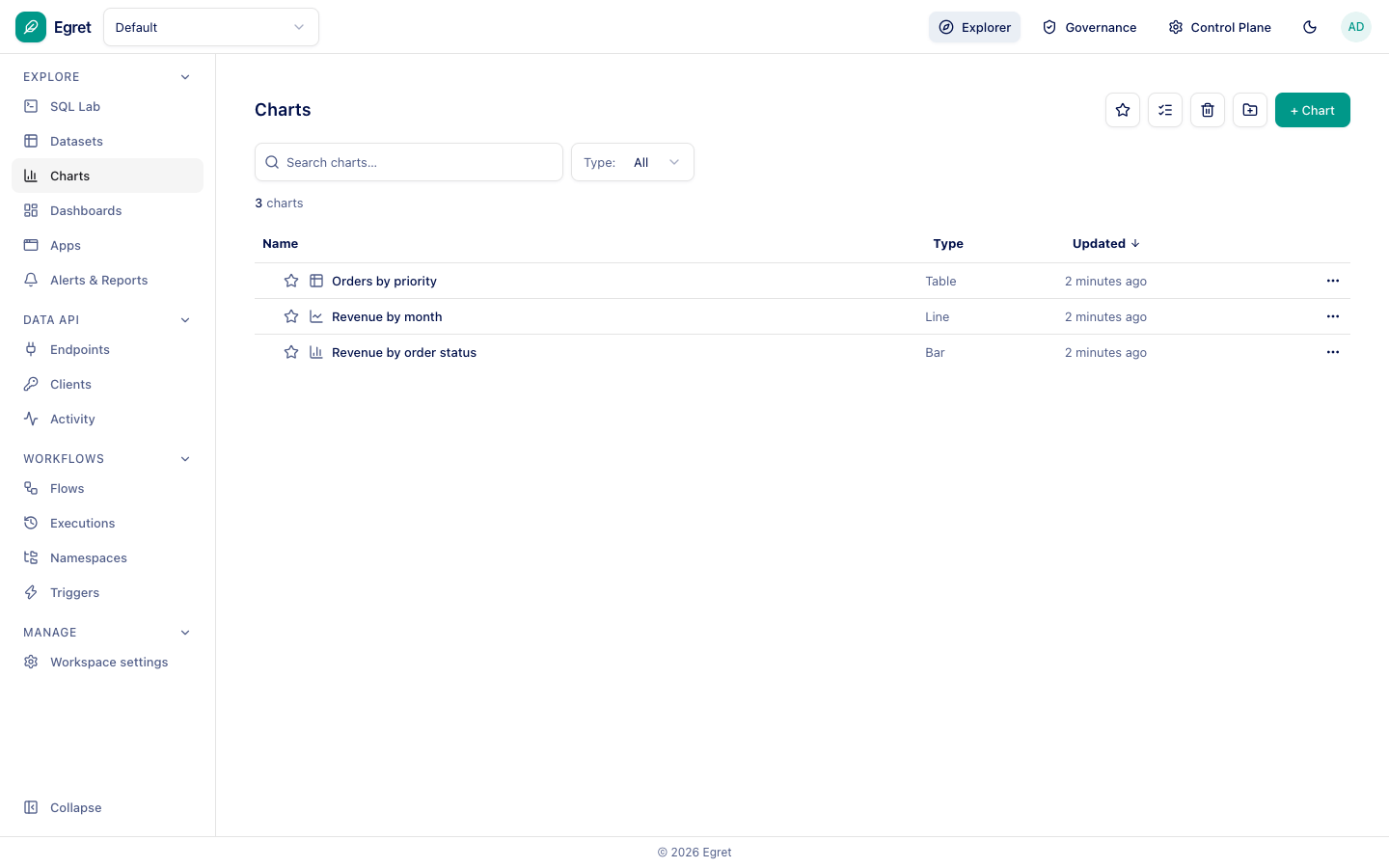
Press + Chart (or Create your first chart) and choose a dataset and a chart type.
The chart editor
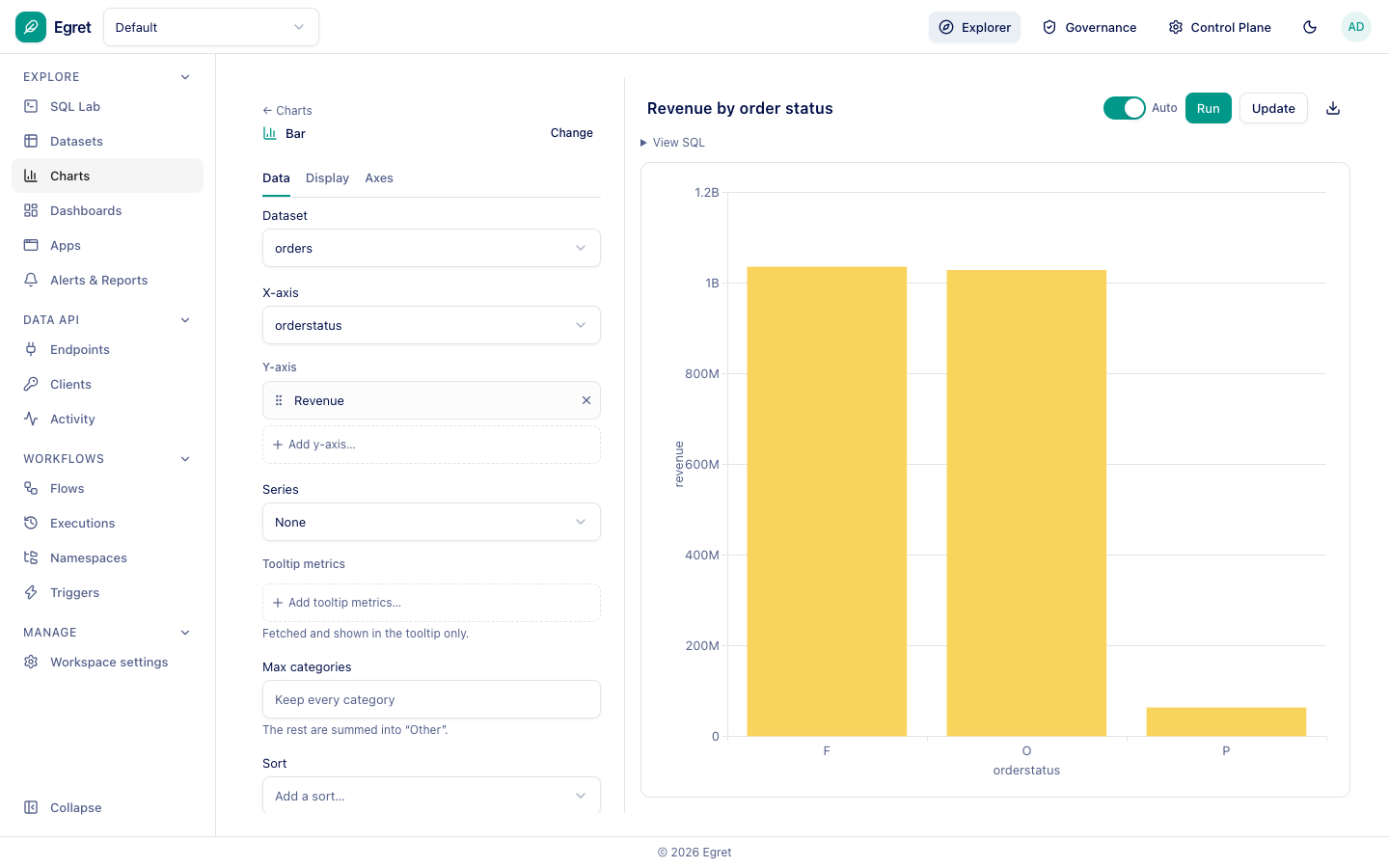
The editor has the settings on the left and a live preview on the right. The left panel has three tabs: Data, Display and Axes.
On Data for a bar chart:
- Dataset: the dataset the chart reads.
- X-axis: the dimension to group by.
- Y-axis: one or more metrics (for example Revenue).
- Series: optionally split by another dimension.
- Tooltip metrics, Max categories (the rest are summed into Other), Row limit and Sort.
Until the required fields are set the preview shows Set up your Bar with a hint such as Add: X-axis. With Auto switched on the preview refreshes as you change settings; otherwise press Run. View SQL shows the query Egret generates.
Press Update to store the chart. It asks you to confirm the name and description in a dialog first.