Access control
Platform administration of identity and permissions lives under Overview, Identity and Access in the Control Plane sidebar.
Access overview
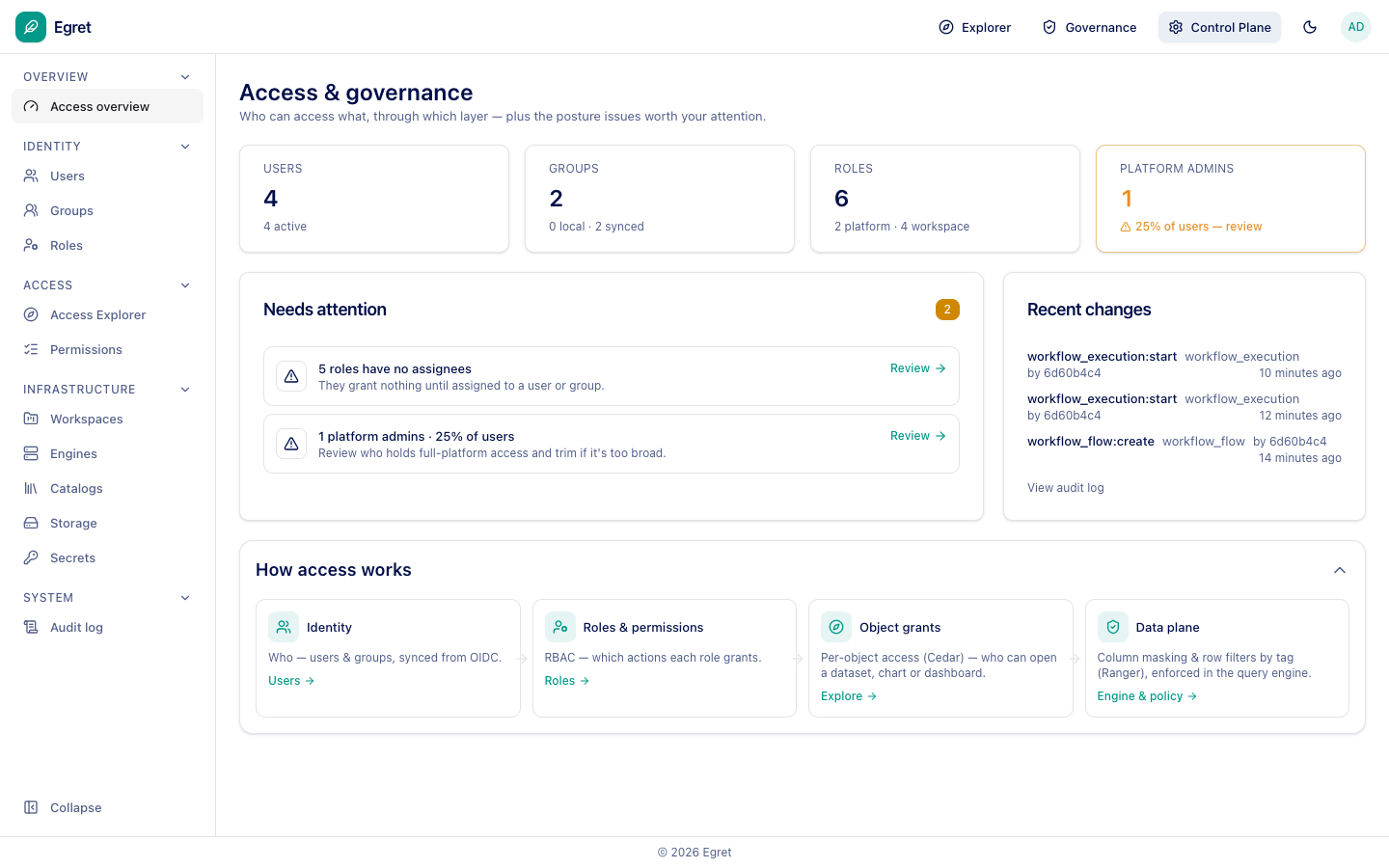
Who can access what, through which layer, plus the posture issues worth your attention (for example roles with no assignees and the share of users who are platform admins). How access works summarises the layers:
- Identity: users and groups, synced from OIDC.
- Roles & permissions: RBAC, which actions each role grants.
- Object grants: per-object access (Cedar), who can open a dataset, chart or dashboard.
- Data plane: column masking and row filters by tag (Ranger), enforced in the query engine.
Users, groups and roles
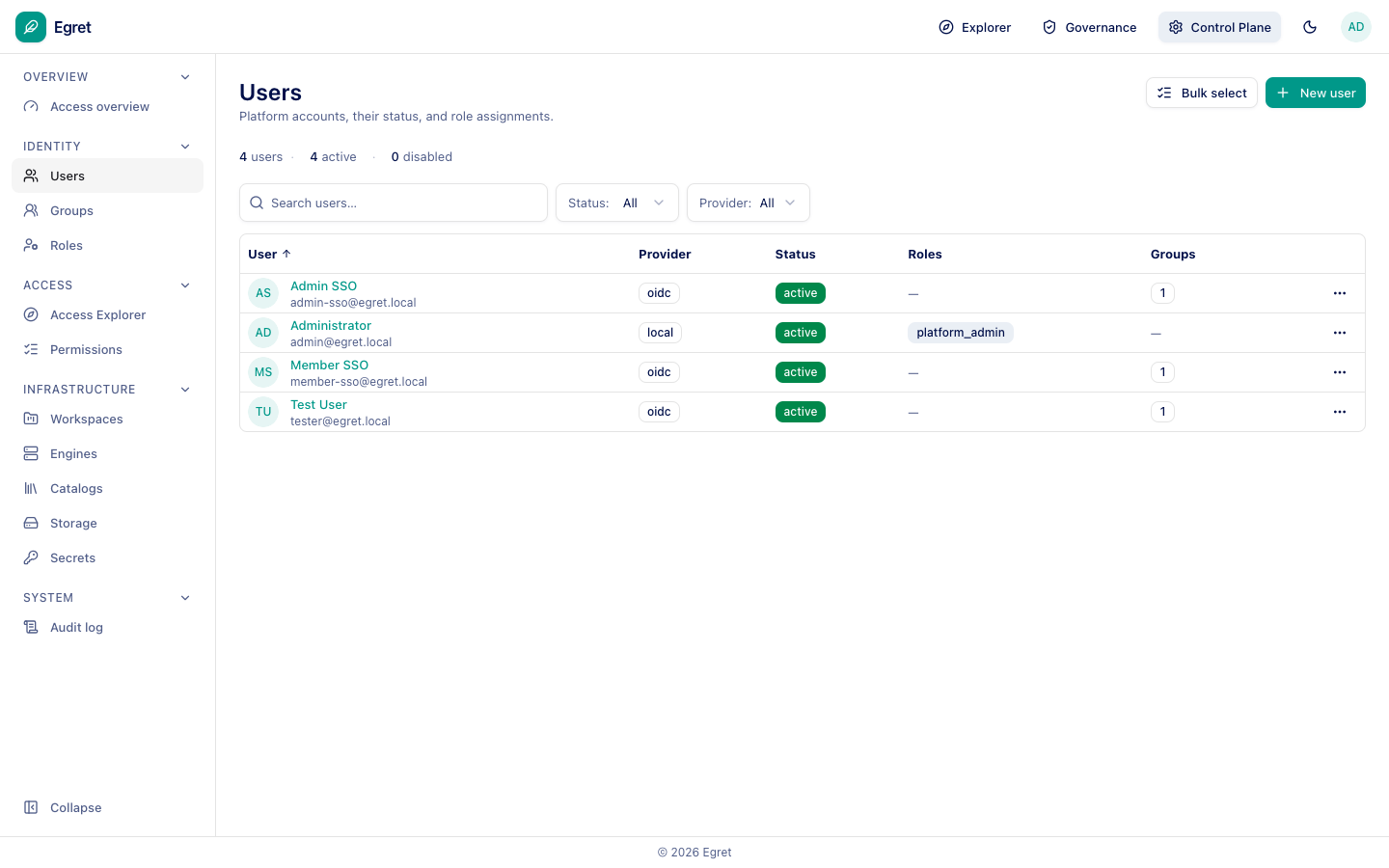
Users lists accounts with their provider (local or oidc), status, roles and group count. Groups lists groups synced from your identity provider. Roles:
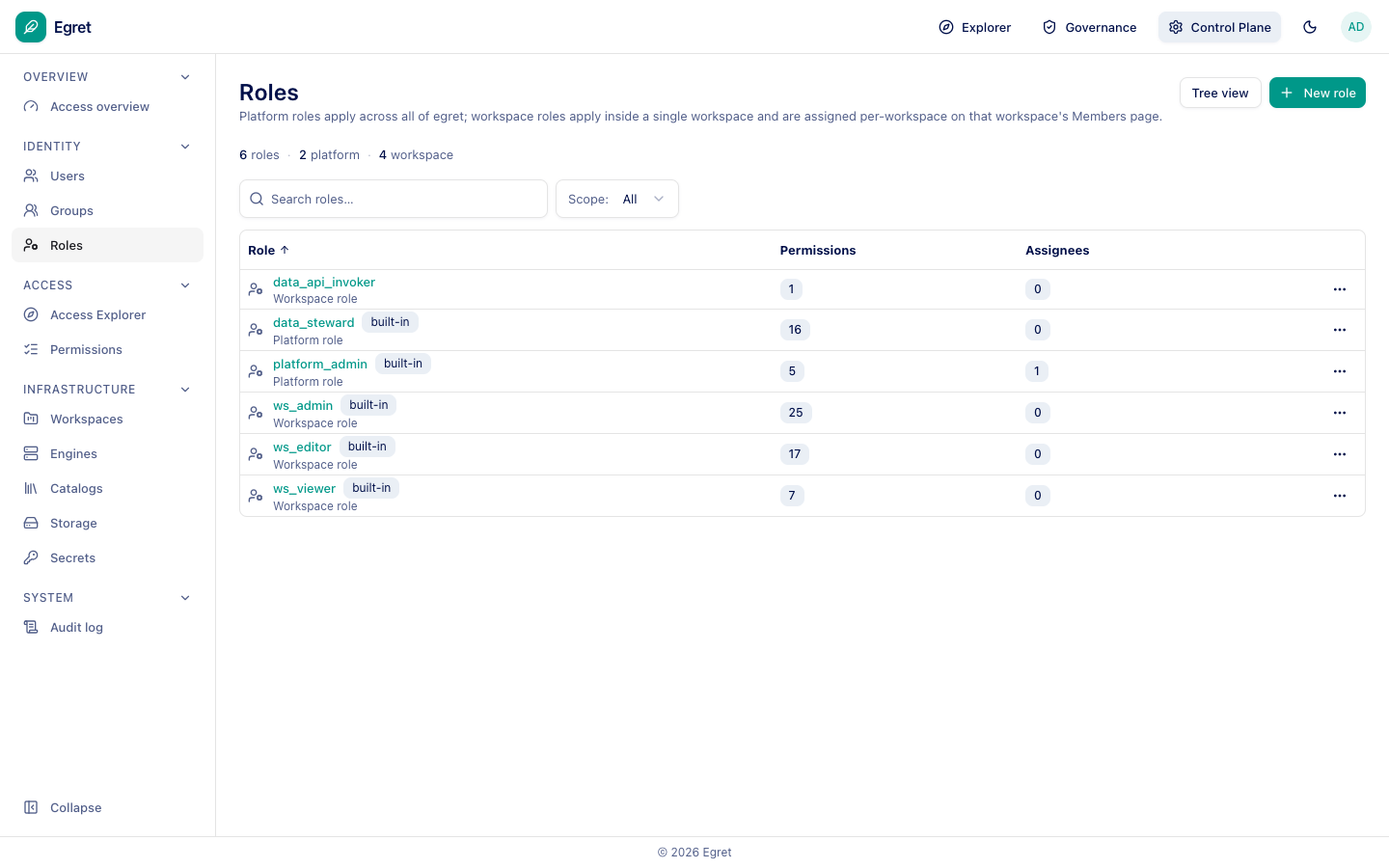
Platform roles apply across all of Egret; workspace roles apply inside one workspace and are assigned per workspace on its Members page. Built-in roles are platform_admin, data_steward, ws_admin, ws_editor and ws_viewer; New role and Tree view are available.
Access Explorer and Permissions
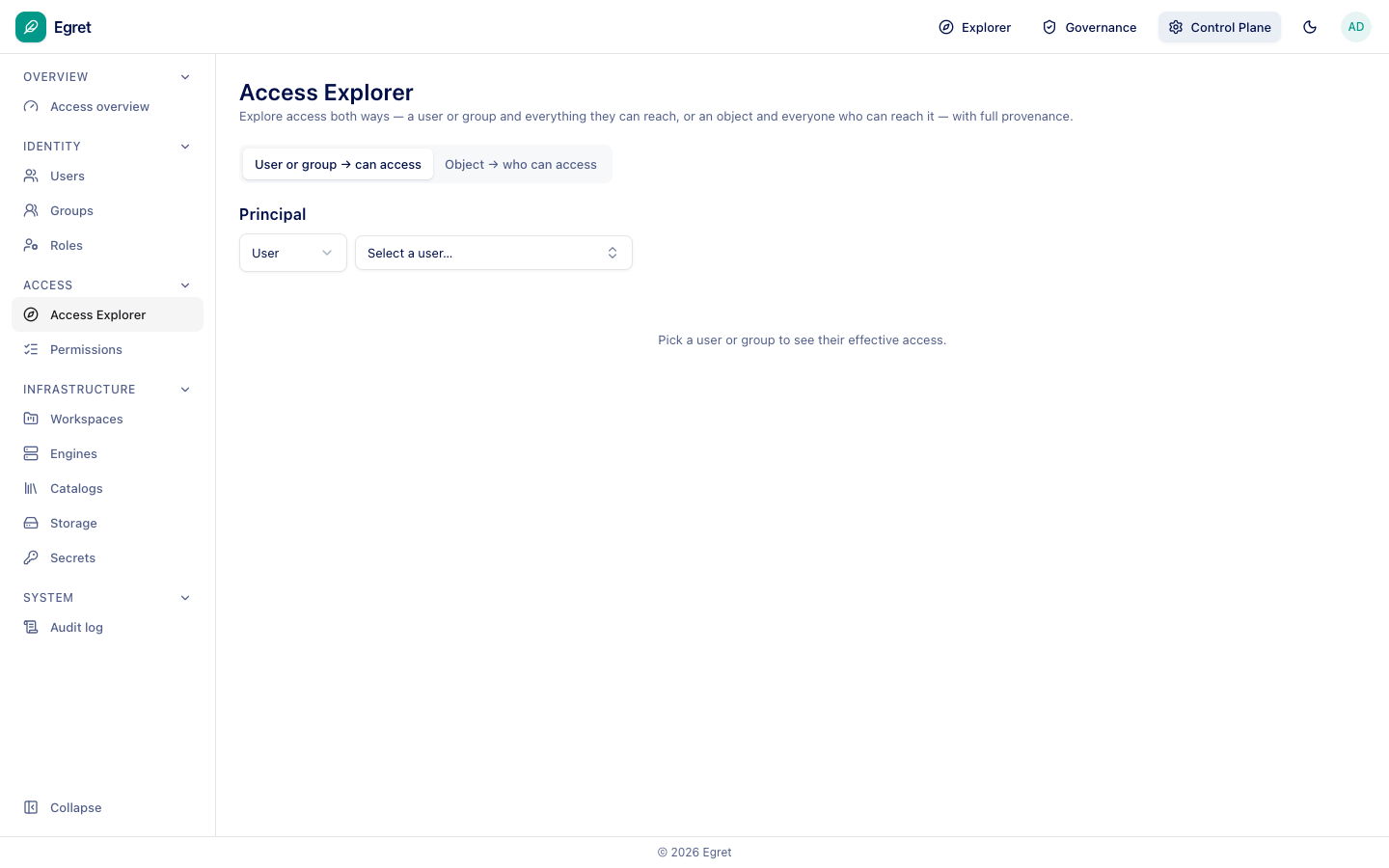
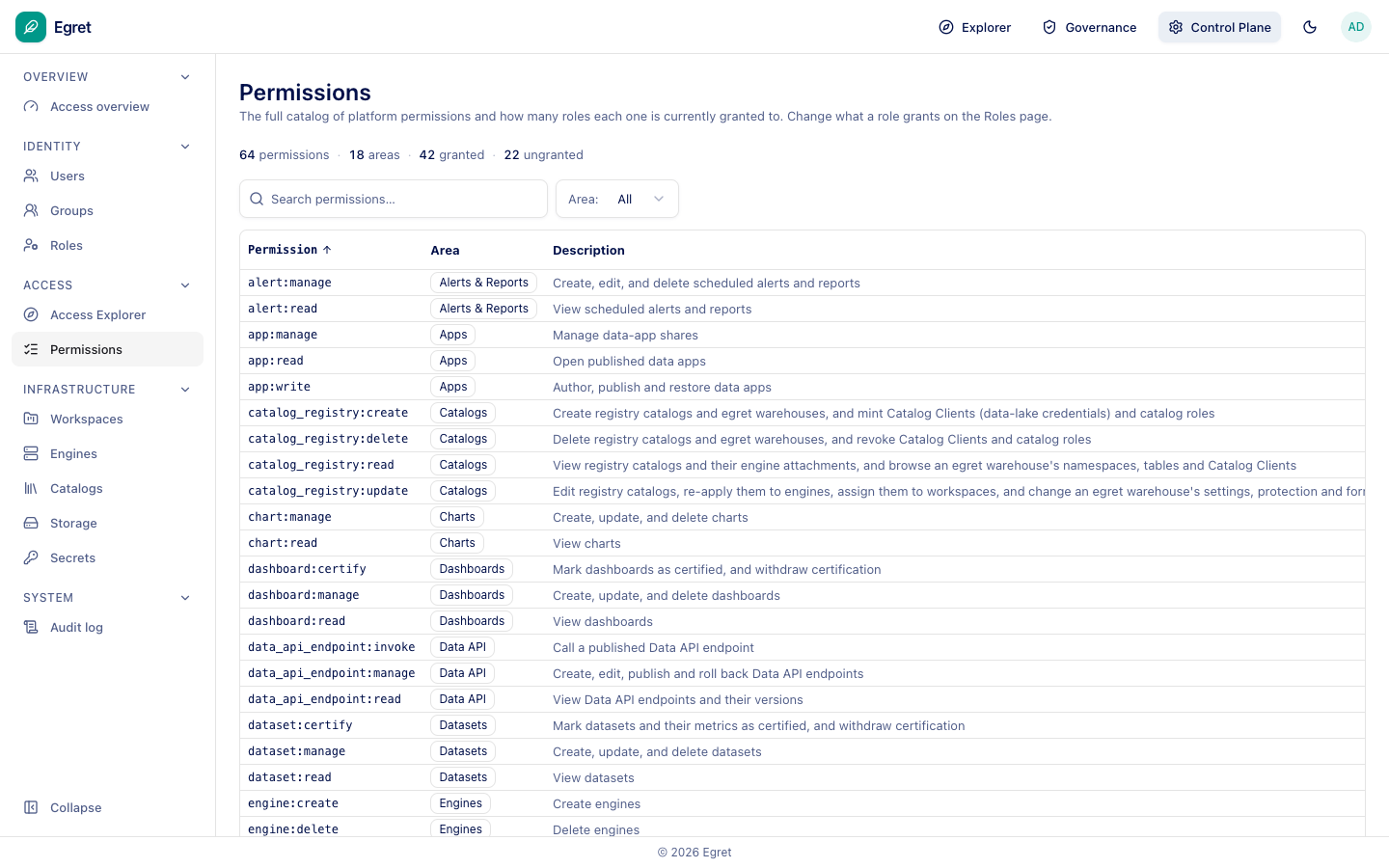
The Access Explorer answers two questions with full provenance: what can this user or group reach, and who can reach this object. Permissions is the full catalog of platform permissions (64 across 18 areas) and how many roles each is granted to; change what a role grants on the Roles page.